| Rating: | 5 (1 votes) |
| Played: | 0 times |
| Developer: | AZGames |
| Released: | October 20, 2026 |
| Classification: | Casual Games |
Most players who try Sprunkybox start by randomly dragging and dropping monster characters onto the stage to fill the 7 empty slots. This approach creates sound immediately but quickly makes the mix chaotic. Experience shows that the game doesn't require fast typing skills but rewards layered sound arrangement. Placing the melody and beat characters in the wrong order will disrupt the music's cohesion and prevent you from discovering clues to unlock hidden content.
The biggest goal in Sprunkybox is to fully explore the 19 secret songs. Instead of having all 7 characters in place from the start, the most effective mix structure requires building it layer by layer.
If you see the badge icons fill, or there are subtle echoes, or you see shadows, then you have the right combination. When you detect this signal, simply keep the core group of characters and continue experimenting with the remaining positions to complete the hidden track.
| Step | Sequence |
|---|---|
| 1 | Bassline/Beatline |
| 2 | Main Melody/Vocals |
| 3 | Effects/Shadows to watch |
| 4 | Finish 7-Position Combo |
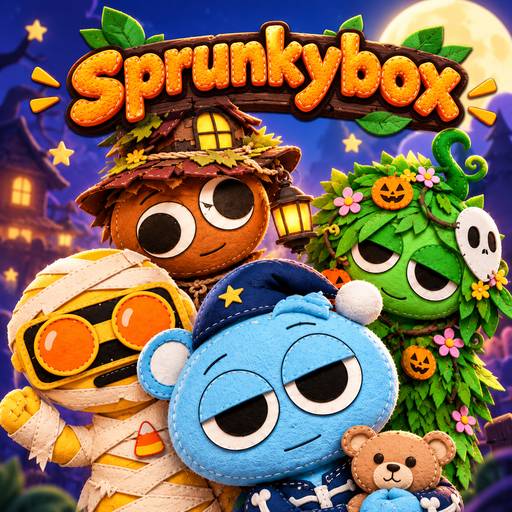
Drop the mysterious black character onto the stage, and it will change the whole Sprunkybox interface to Dark Mode. This change not only provides a dark visual effect with thunder and red eyes, but also completely alters the sound signature of all 20 characters.
This transition forces you to change your arrangement. A team that works well in Light Mode may become overwhelming in Dark Mode. To complete the Music Book collection, you need to conquer the hidden songs on both separate pages. Mastering the sound frequencies in Dark Mode requires you to tone down the characters with intense melodies to make room for the gloomy sound effects to take effect.
Instead of hastily filling all 7 stage squares, proactively leaving 1 to 2 empty spaces will help you easily listen to each pause and accurately identify which character is creating the highlight of the music.
Get the complete set of spooky music and learn the Halloween beat with Sprunkybox at wave-rider.io!
Casual Gamesonline